One QR code on your food truck. Always up to date.
This article was generated using AI. Publisher: QRelay — Sebastian Kula.
The market in Gliwice today, a festival in Katowice tomorrow, and a menu that changes every week. Your QR code doesn’t need to know any of that in advance.
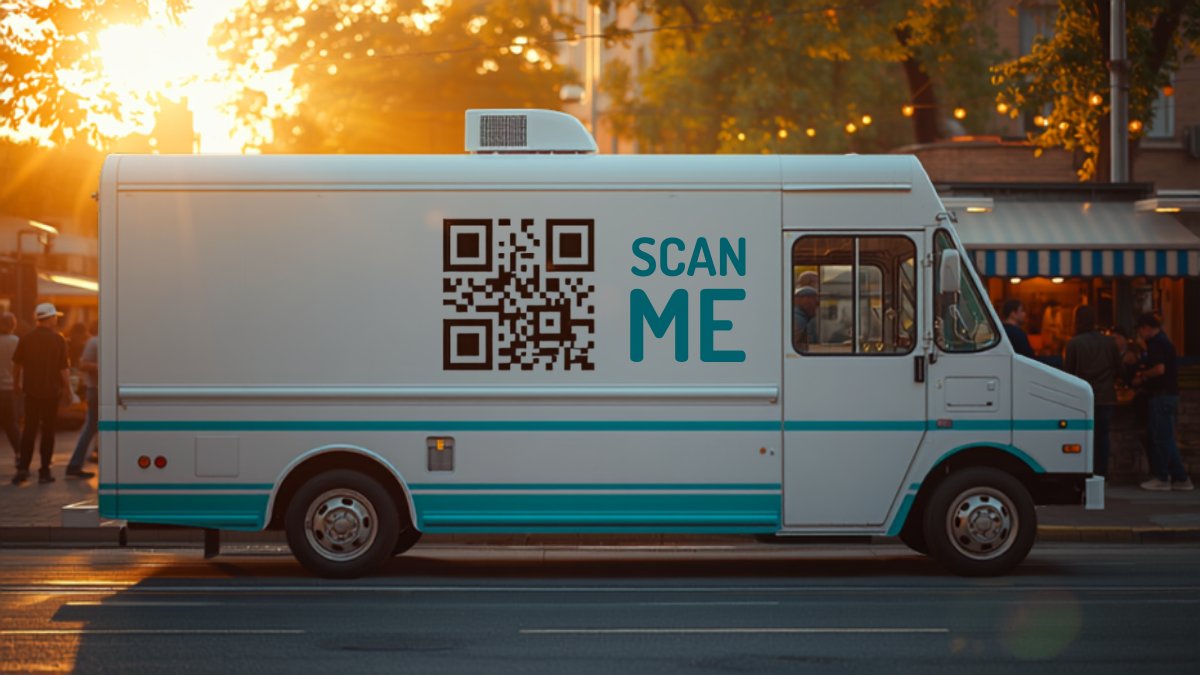
A food truck is a static QR code’s worst customer
A static code points to one fixed address. But in a food truck, everything changes: your location every day, your menu every week, and your promotions every weekend. Many owners don’t even have a website: the “menu” is a Facebook post or a PDF on Google Drive, and every new post and PDF has a new link.
How a dynamic code solves it
The QRelay code on your truck uses your short link. In the morning, before opening the serving window, use your phone to change its destination to today’s post with your location and menu. Customers scan yesterday’s code and get today’s information. No reprints, no “out of date.”
Proven uses
- Truck side = weekly schedule: link to your “where to find us this week” post.
- Serving window = today’s menu: a second code by the till leads to your current menu. A PDF on Drive? New file = new link = one change in the dashboard.
- Festivals: point the code to your festival offer during the event, then switch back to your schedule afterwards.
- The scan counter shows which location and event actually brought traffic.
Tips before printing
- Side-panel code: at least 12×12 cm, at eye level for someone standing in the queue.
- Add an instruction: “Scan to see where we’ll be tomorrow” works better than a code on its own.
- Dark code, light background, and a phone test before sending it to print.
Your food truck, one code, no reprints
3 dynamic QR codes free, no card required. Change the destination on your phone in 10 seconds.
Create a free QR code